Refill Colored Icons: A Versatile Vector Set for Modern Design Projects
When you are building a visual identity for a website, a mobile application, or a printed campaign, the icons you choose carry a surprising amount of weight. They guide users, convey meaning quickly, and set the tone for the entire experience. Among the many icon sets available, Refill Colored Icons has gained attention for its simple and clean design language, combined with a practical approach to customization. Whether you are a graphic designer preparing a brochure, a developer adding UI elements to an app, or a social media manager creating consistent visuals, understanding what this icon set offers—and where it fits best—can help you decide if it is the right resource for your workflow.
Understanding the Distinct Character of Refill Colored Icons
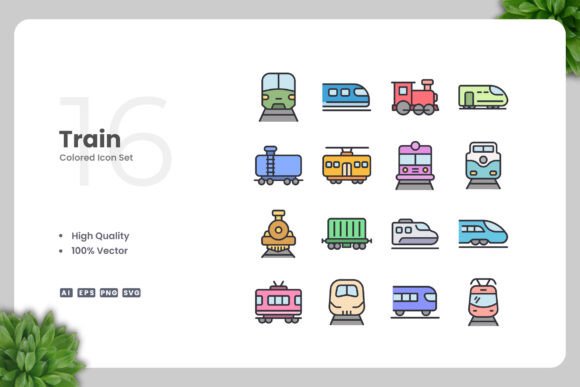
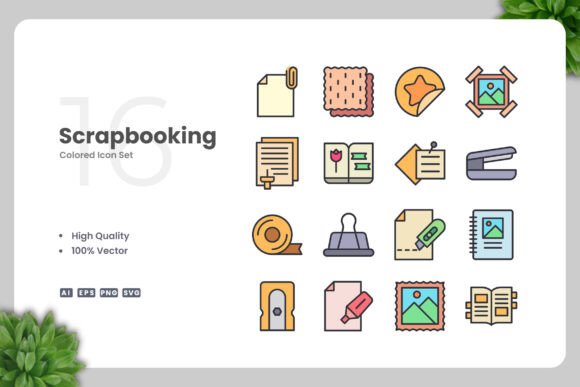
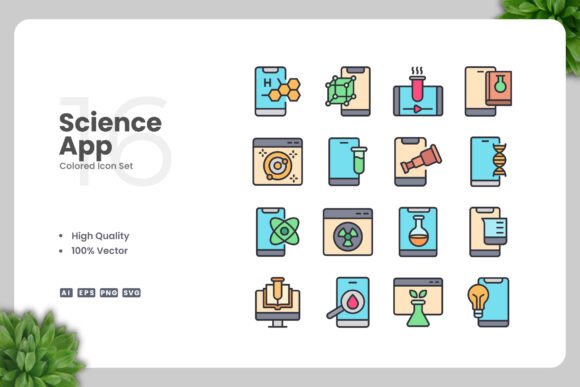
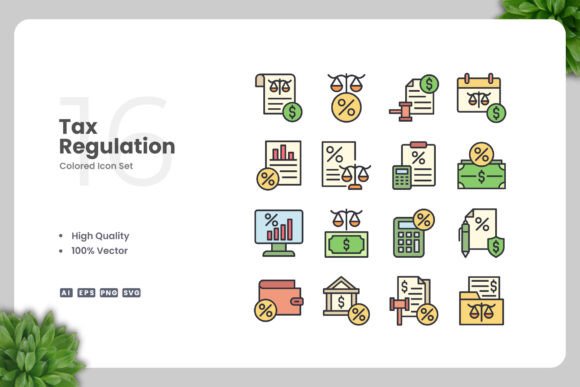
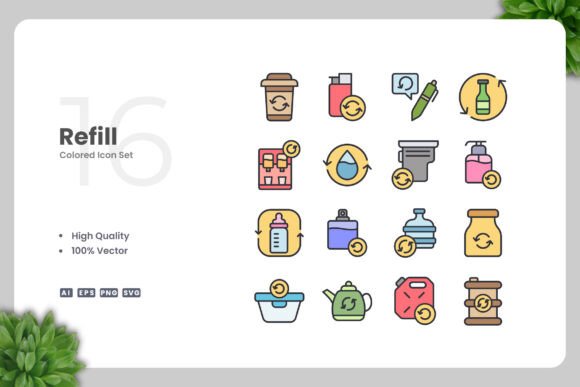
What makes Refill Colored Icons stand out is not a single breakthrough feature, but rather a thoughtful combination of attributes. The set includes 100 vector icons designed with a refined, minimal aesthetic. The term "refill" in the name hints at its primary strength: these icons are built to be re-colored, re-sized, and re-purposed without losing visual integrity. Unlike raster images that become pixelated when scaled, these vectors remain crisp at any dimension.
The design style leans heavily on the simple and clean philosophy. Shapes are uncluttered, lines are consistent, and the overall look avoids unnecessary decorative elements. This makes the icons suitable for both digital interfaces and print materials. They are not overly flat nor overly detailed—they strike a balance that feels contemporary without being trendy. For designers who need icons that work across multiple media without looking out of place, this is a meaningful advantage.
Comparing Refill Colored Icons with Other Icon Formats and Styles
When evaluating icon sets, it helps to understand the broader landscape. Many icon resources fall into one of several categories: monochrome line icons, solid glyph sets, outlined illustrations, or full-color pictorials. Each has its own tradeoffs.
Monochrome line icons are excellent for UI where color is reserved for branding or state changes. They are lightweight and scalable, but they can feel generic and lack visual punch in printed materials. Full-color pictorial icons offer immediate visual impact, but they often come as fixed raster images that are difficult to recolor. If you need to match a specific brand palette, you may find yourself limited. Refill Colored Icons sits between these extremes. It offers color—which adds personality and clarity—but it also provides the vector structure needed to change that color easily.
Another common alternative is icon fonts, which are essentially typographic characters. They are convenient for web development, but they typically only support monochrome. If you need multicolor icons, you often have to stack multiple font elements or use CSS tricks. With Refill Colored Icons, you get native vector files that can be opened, edited, and exported in any color scheme using standard design software.
For print projects, the difference becomes even clearer. Icon fonts can sometimes render unpredictably in PDF workflows or on different operating systems. A vector file in EPS 10 or SVG format is a more reliable choice, especially when working with professional print vendors who expect high-resolution, editable artwork.
Strengths and Best-Fit Situations
The primary strength of Refill Colored Icons is its customizability. The set includes source files in AI, EPS 10, SVG, and PNG transparency formats. This means you are not locked into one tool or one output method.
- Adobe Illustrator users can open the AI files directly, selecting individual icons and adjusting colors, stroke weights, and sizes.
- CorelDRAW users can work with the EPS 10 files, which offer wide compatibility and preserve the vector editing capabilities.
- Web designers and developers can use the SVG files for responsive, resolution-independent graphics that integrate seamlessly with CSS and JavaScript.
- Quick mockups or social media posts can leverage the PNG transparency files for immediate use without opening any design software.
This flexibility is especially valuable for teams that work across different platforms. A designer might create a master icon set in AI, hand off EPS files to a print specialist, and export SVGs for a developer—all from the same source. The drag and drop nature of the files further reduces friction. You do not need to rebuild icons from scratch or convert formats manually.
Use cases where this icon set truly shines include:
- Infographics: The clean lines and color fills remain legible at small sizes while adding visual interest at larger scales.
- Mobile apps: The consistent stroke style creates a cohesive interface without being distracting.
- Flyers and posters: You can resize an icon to fill a header or shrink it to fit a footnote without quality loss.
- Banners and social media graphics: Quick edits in Illustrator or CorelDRAW allow you to match brand colors precisely.
- Books and e-books: The SVG or high-resolution PNG exports work well in both print-on-demand and digital formats.
Tradeoffs and Limitations to Consider
No icon set is perfect for every scenario, and Refill Colored Icons has its own tradeoffs. The set includes 100 icons, which is a respectable number for targeted projects but may not be sufficient for large-scale systems like a full operating system UI or a comprehensive icon library for enterprise software. If you need hundreds of icons spanning many niche categories, you may need to supplement this set with additional resources or create custom icons.
Another consideration is the design style itself. The simple and clean aesthetic is intentionally neutral. If your brand requires highly illustrative, whimsical, or highly detailed icons, this set may feel too restrained. For instance, a children's educational app might benefit from more playful, hand-drawn illustrations, while a medical journal might require highly technical anatomical symbols. In both cases, Refill Colored Icons would not be the ideal fit.
Additionally, the icons come pre-colored. While you can change colors using vector software, the initial color palette may not match your brand. This is not a disadvantage if you are comfortable editing vector files, but it does require a small investment of time. If you are a non-designer looking for a plug-and-play solution without any editing, you might prefer a monochrome set that already blends into your existing color scheme.
File format compatibility is generally excellent, but EPS 10 is an older version of the Encapsulated PostScript standard. Most modern vector editors open it without issue, but some cutting-edge features from newer versions of AI or CorelDRAW will not be available in EPS 10. For most users, this is not a problem, but it is worth noting if you rely on specific live effects or dynamic features that require a native AI file.
When Refill Colored Icons Is the Right Choice
This icon set is a strong candidate when your project requires flexibility, speed, and professional output without the overhead of designing icons from scratch. It is especially well-suited for:
- Small to medium-sized design projects that need a consistent visual language.
- Freelancers and small agencies who need to deliver high-quality work quickly across different media.
- Non-designers who have access to vector software and can make basic edits but do not want to draw icons.
- Teams that value file variety and want to future-proof their assets for both print and digital use.
If you are creating a batch of social media templates, a product brochure, or a simple app interface, Refill Colored Icons saves you hours of work while giving you full control over the final look.
When Another Option May Serve You Better
Conversely, you may want to look elsewhere if your needs include:
- A massive, encyclopedic library of icons covering every conceivable topic.
- Icons that must remain monochrome for strict UI consistency.
- A completely unique, branded illustration style that cannot be achieved with generic vector shapes.
- Zero tolerance for any manual editing—you need icons that work immediately in a specific color format.
In those cases, a specialized icon library with thousands of glyphs, a custom illustration agency, or a subscription-based icon service might be more appropriate. The tradeoff is usually higher cost, longer lead time, or reduced flexibility compared to a versatile vector set.
Making an Informed Decision
When comparing Refill Colored Icons with other options, focus on the specific demands of your project. Ask yourself:
- How many icons do I actually need, and in how many formats?
- Will I need to edit colors and sizes frequently?
- Is my primary output digital, print, or both?
- What level of design experience does my team have?
For many designers and content creators, the combination of 100 vector icons, multiple file formats, and a clean aesthetic offers a practical sweet spot. The easy drag and drop functionality and straightforward customization in Adobe Illustrator and CorelDRAW make it accessible even to those who are not power users. The inclusion of a readme.txt file also adds a thoughtful touch, helping you get started without confusion.
Ultimately, Refill Colored Icons is not a one-size-fits-all solution, but it does deliver on its promise: high-quality design, robust customization, and broad applicability. By understanding both its strengths and its limitations, you can decide whether it fits into your toolkit—or whether a different approach would better serve your goals.
As with any design resource, the best choice depends on your project's context, your workflow, and your aesthetic preferences. Take a moment to evaluate your needs against what this icon set offers. If you value simplicity, adaptability, and professional results, Refill Colored Icons is well worth considering.